

You might think cyberattacks only happen to big corporations—but small business websites are often easier targets for hackers. A single vulnerability can cost you customer trust, lost data, or even revenue.
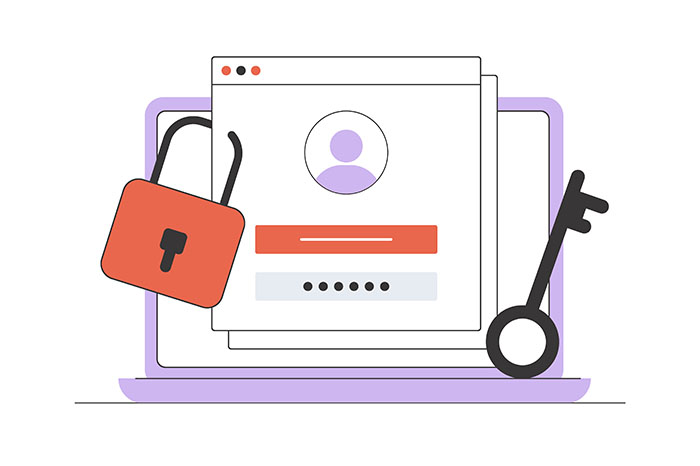
If your site handles sensitive data (even just email addresses), your reputation is on the line. Website security isn’t just a tech issue—it’s a brand protection strategy. Here’s how to lock things down before problems arise.
An SSL certificate encrypts the data exchanged between your website and your visitors, making it harder for hackers to intercept sensitive information. It’s the “S” in HTTPS—and it’s no longer optional.
Browsers like Chrome and Safari now flag non-HTTPS sites as “Not Secure,” which can scare off visitors and hurt your SEO. Most web hosts offer free SSL certificates through Let’s Encrypt, so there’s no reason not to enable it.
✅ Bonus Tip: After installing SSL, make sure all URLs are properly redirected to the HTTPS version to avoid mixed content warnings.
Outdated software is the #1 reason WordPress sites get hacked.
Developers release updates not just for new features, but to patch known security holes. Ignoring them is like leaving your front door open with a sign that says “Come on in.”
Set a schedule to check for updates weekly, or turn on auto-updates where it makes sense. Just be sure to back up your site first in case something breaks.
Security plugins act as your website’s first line of defense.
Wordfence, for example, offers firewall protection, malware scanning, login monitoring, and more. It alerts you if someone is trying to break in—or if a plugin you’re using has a known vulnerability.
Other popular security plugins:
You don’t need all of them—just pick one, configure it properly, and monitor the alerts.
Most hackers don’t guess your password manually—they use bots to try thousands of combinations until something works. You can shut that down fast by limiting login attempts.
Many security plugins let you:
2FA means even if someone steals your password, they can’t get in without your phone or authenticator app.
Even the best security can’t guarantee 100% protection. That’s why backups are your safety net.
Use a plugin like UpdraftPlus, BlogVault, or your web host’s built-in tools to automate daily or weekly backups. Store them somewhere safe (off-site or in the cloud), so you can quickly restore your site if something goes wrong.
Combine that with routine malware scans to catch problems early—before your visitors do.
Your website is your digital storefront. Keeping it secure isn’t just about avoiding hacks—it’s about protecting your reputation, your users, and your livelihood.
By putting these measures in place, you build trust with your audience and sleep easier knowing your site is locked down.
If website security feels overwhelming or you’d rather have an expert handle it all, Adore Design Co. offers fully managed website plans that include updates, backups, security monitoring, and more—so you never have to worry about it.